Gallery

Discover Proofs

Get started with Proofs made by the Bezi community. From shader labs to mechanic prototypes to UI structure builders, each one is an interactive tool built for a specific situation - designed to be tested, changed, and made yours. Import the link or .zip file into Bezi to try one.

Learn more about the thinking behind Proofs.
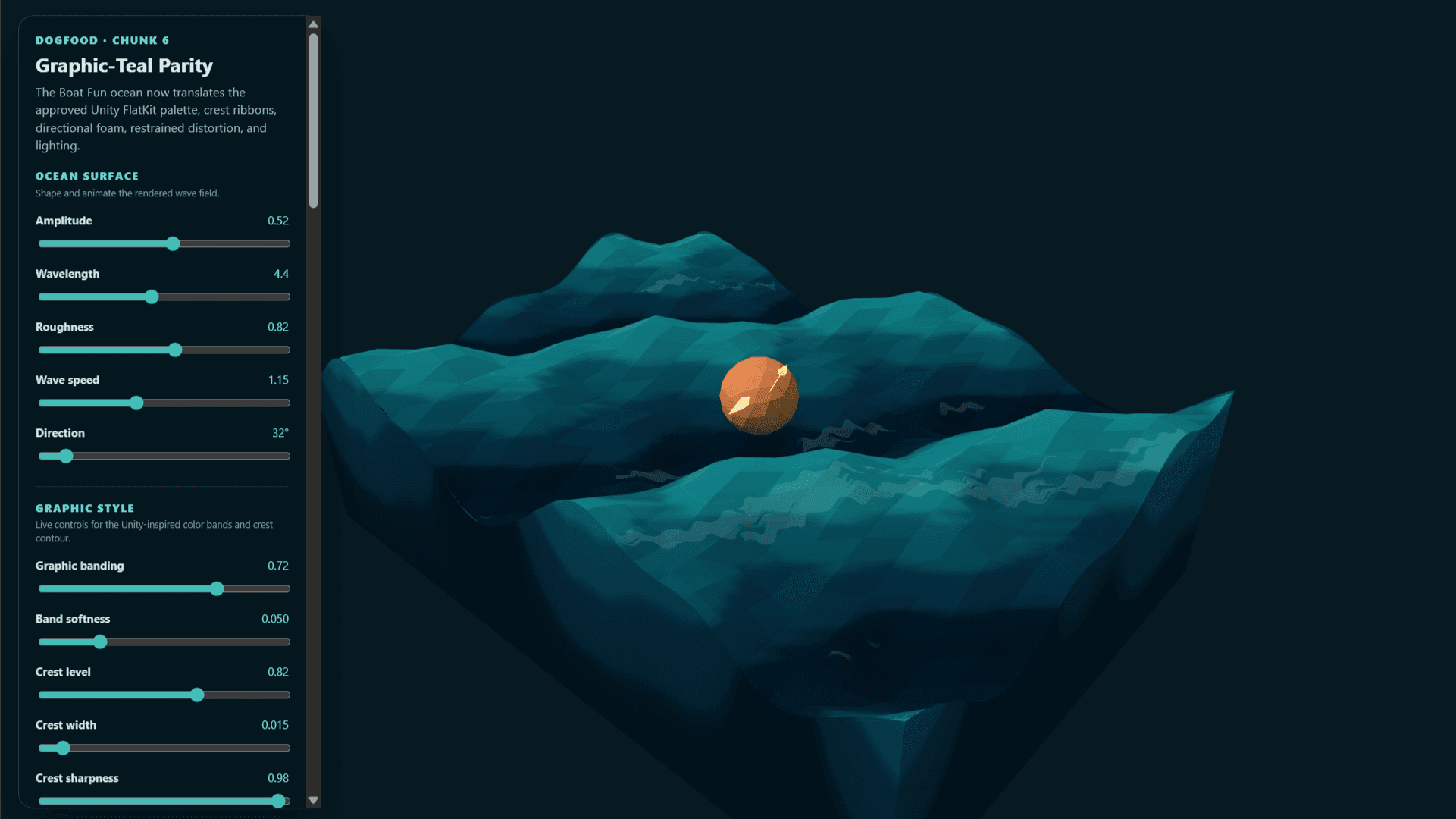
Boat Fun

Real-time buoyancy sim on a stylized low-poly ocean, with banded teal shading, crest ribbons, and directional foam matching a Unity FlatKit look.

Created by

Daniel M.

Boat Fun

Real-time buoyancy sim on a stylized low-poly ocean, with banded teal shading, crest ribbons, and directional foam matching a Unity FlatKit look.

Created by

Daniel M.

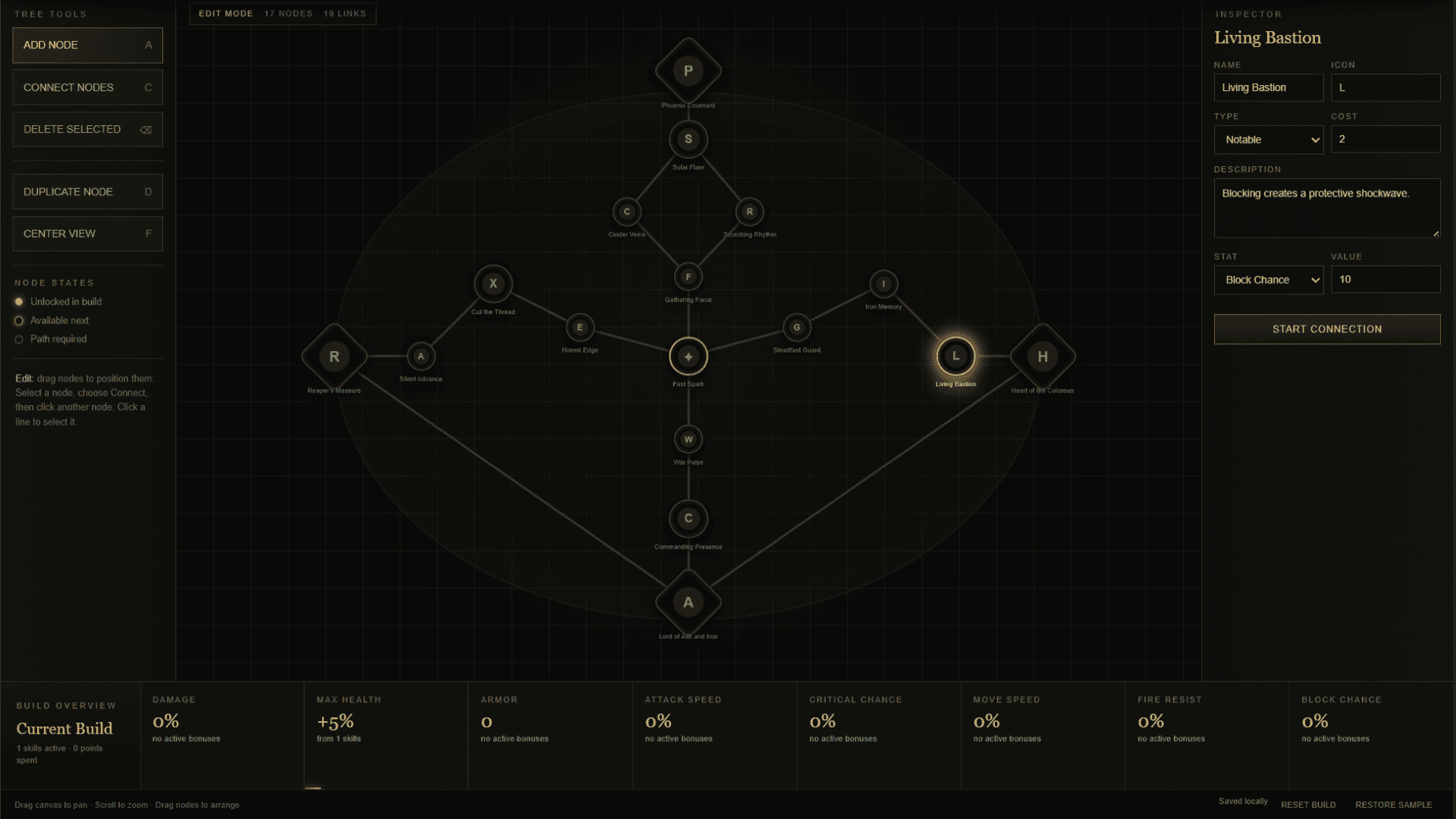
Skill Tree Builder

Author RPG-style skill trees node by node: place and connect them on a pannable canvas, then set each node's type, point cost, icon, and stat payload.

Created by

Denys B.

Skill Tree Builder

Author RPG-style skill trees node by node: place and connect them on a pannable canvas, then set each node's type, point cost, icon, and stat payload.

Created by

Denys B.

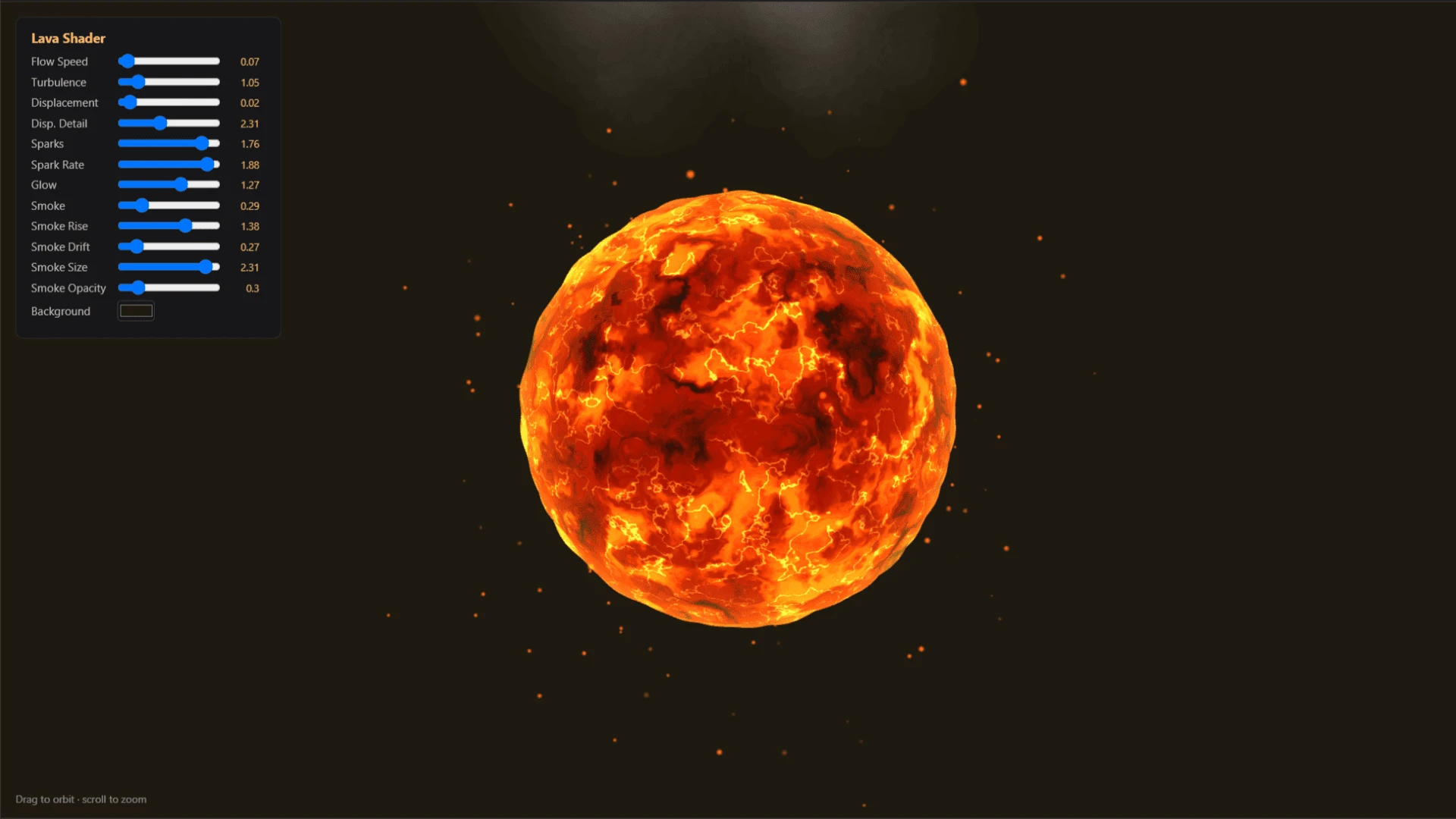
Lava Shader

A real-time, tune-able procedural lava shader rendering a displaced, glowing sphere with animated turbulent flow, embedded sparks, and rising smoke.

Created by

Cecilia U.

Lava Shader

A real-time, tune-able procedural lava shader rendering a displaced, glowing sphere with animated turbulent flow, embedded sparks, and rising smoke.

Created by

Cecilia U.

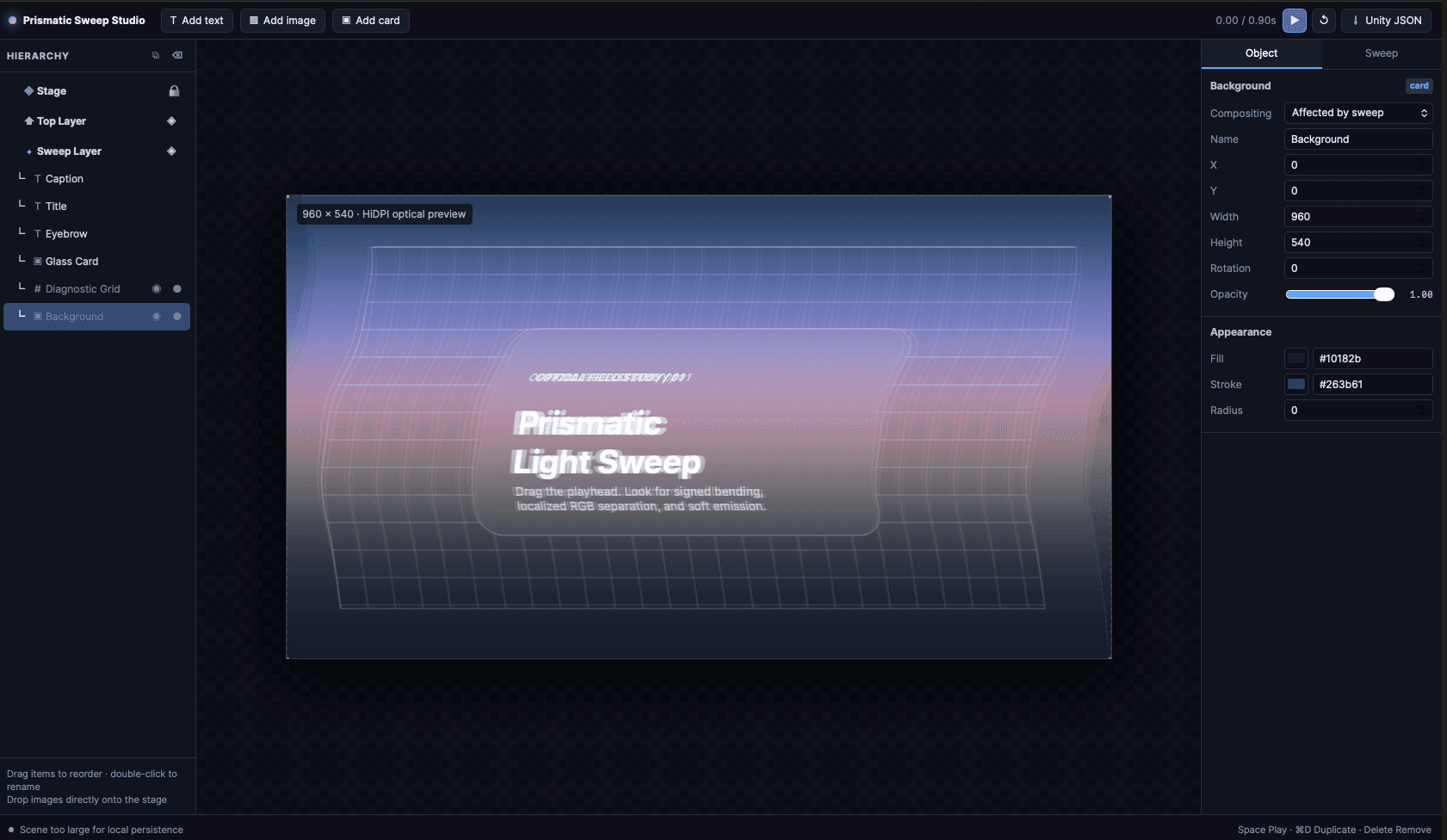
Prismatic Light Sweep

Studio for building and timing a prismatic light sweep, with signed bending, localized RGB separation, and soft emission as the band travels the frame.

Created by

Daniel M.

Prismatic Light Sweep

Studio for building and timing a prismatic light sweep, with signed bending, localized RGB separation, and soft emission as the band travels the frame.

Created by

Daniel M.

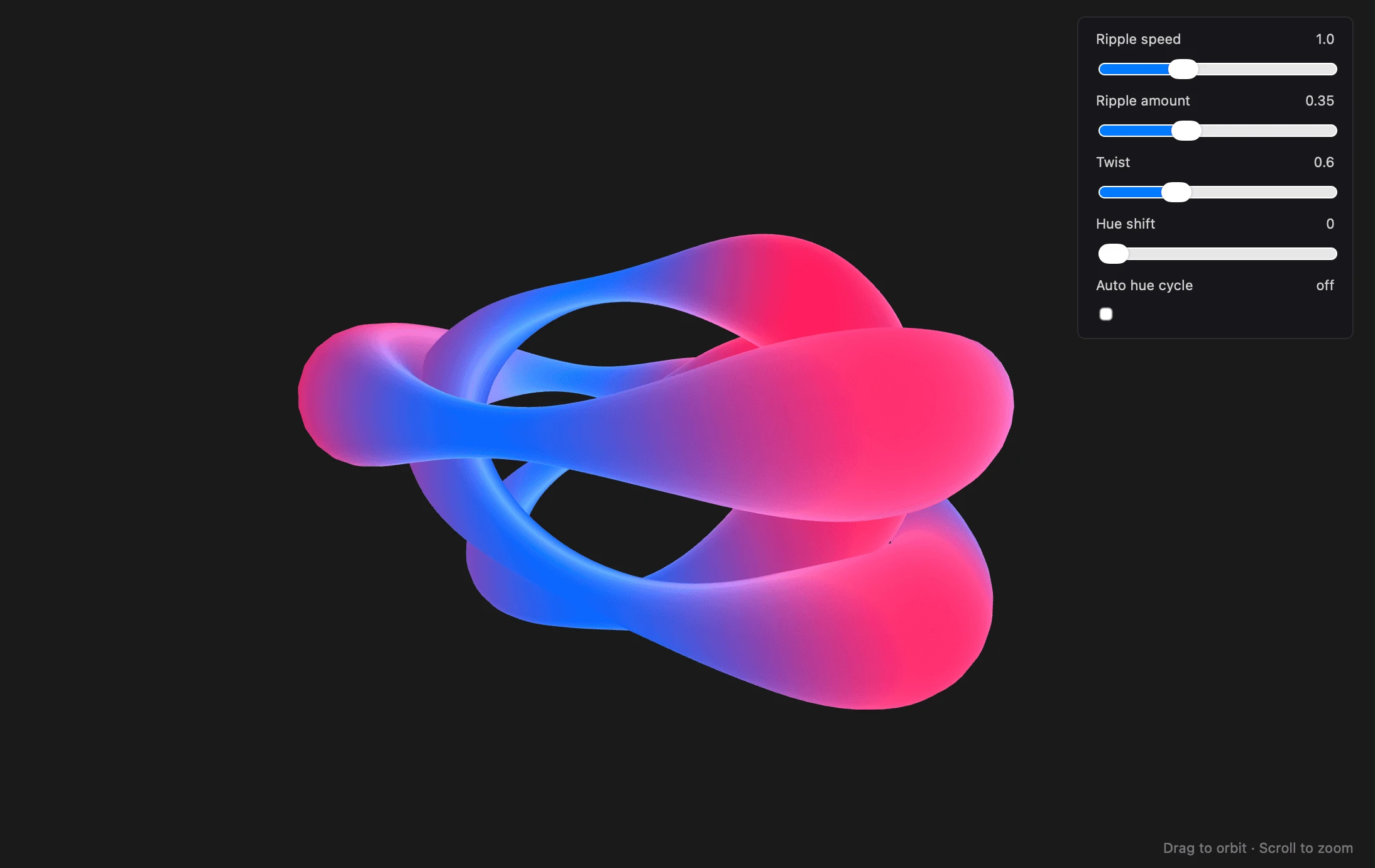
Procedural Deforming Tube

Abstract art shader. Comes with hue shift, twist, speed, and ripple controls.

Created by

Devon G.

Procedural Deforming Tube

Abstract art shader. Comes with hue shift, twist, speed, and ripple controls.

Created by

Devon G.

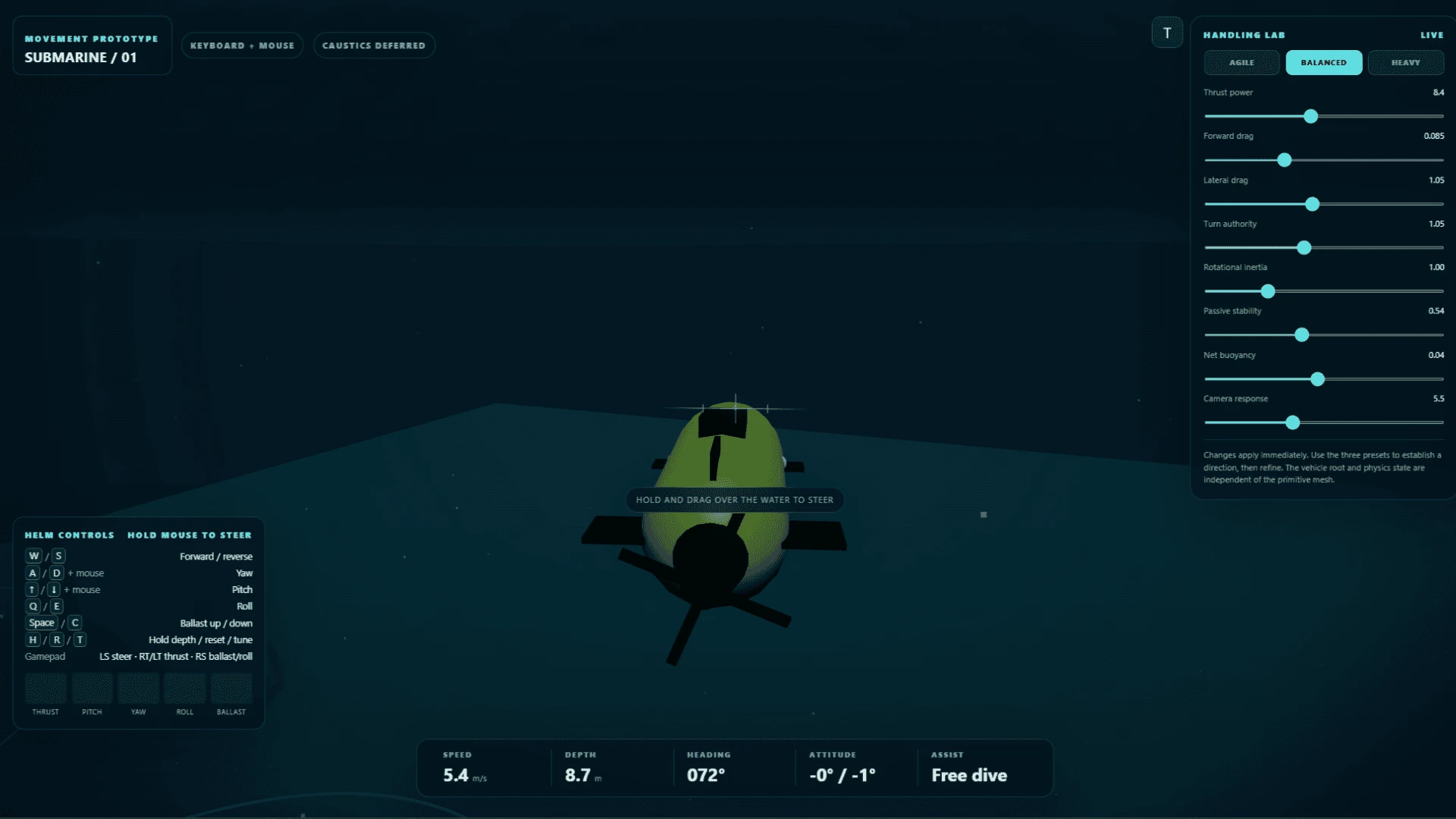
Submarine Handling Lab

A drivable submarine movement prototype. Thrust, pitch, yaw, roll, and ballast on keyboard, mouse, or gamepad, with a live speed, depth, heading, and attitude readout.

Created by

Macy T.

Submarine Handling Lab

A drivable submarine movement prototype. Thrust, pitch, yaw, roll, and ballast on keyboard, mouse, or gamepad, with a live speed, depth, heading, and attitude readout.

Created by

Macy T.

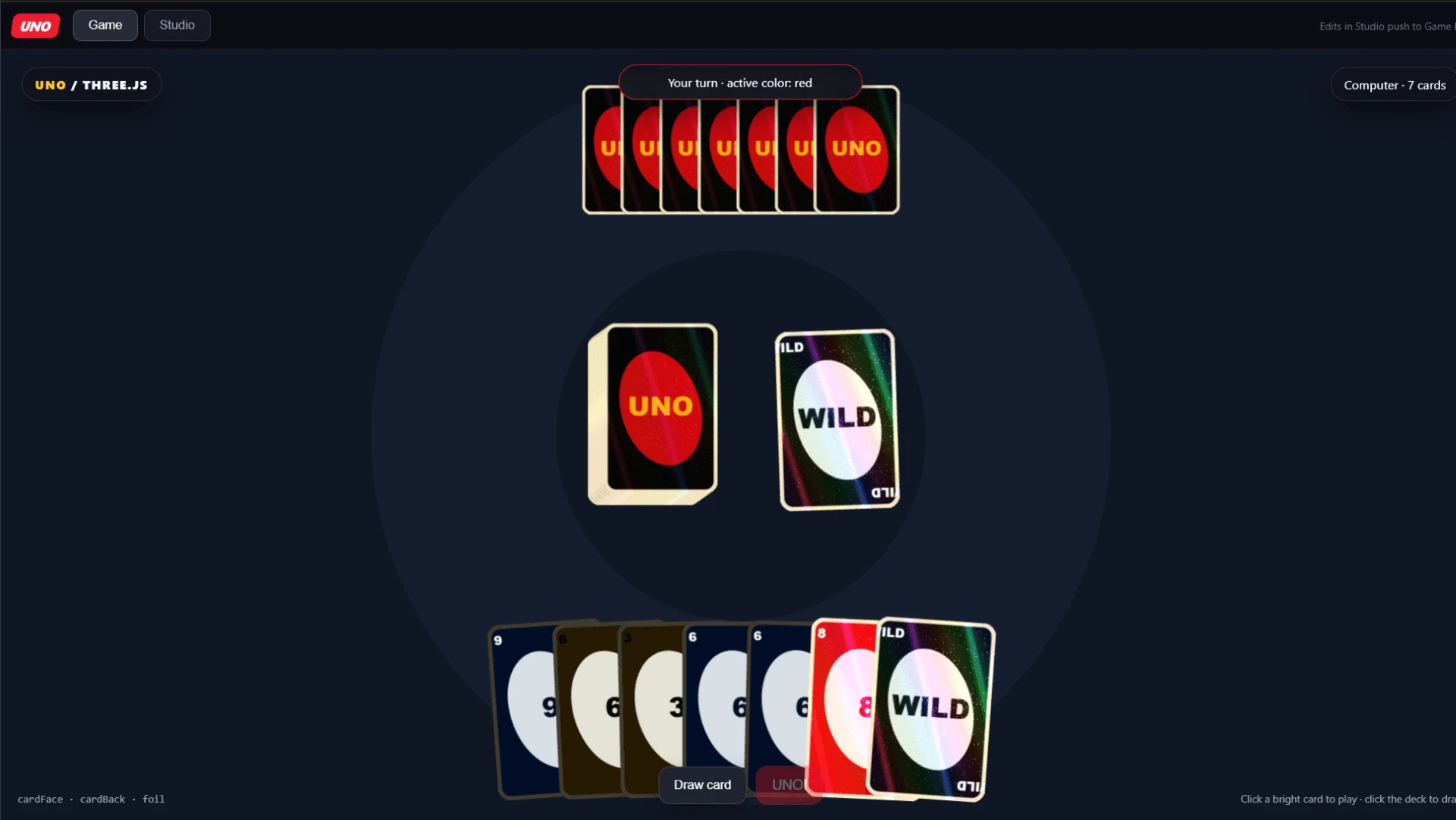
Uno

Playable UNO rendered in Three.js, complete with a computer opponent, draw pile, and active-color tracking.

Created by

Daniel M.

Uno

Playable UNO rendered in Three.js, complete with a computer opponent, draw pile, and active-color tracking.

Created by

Daniel M.

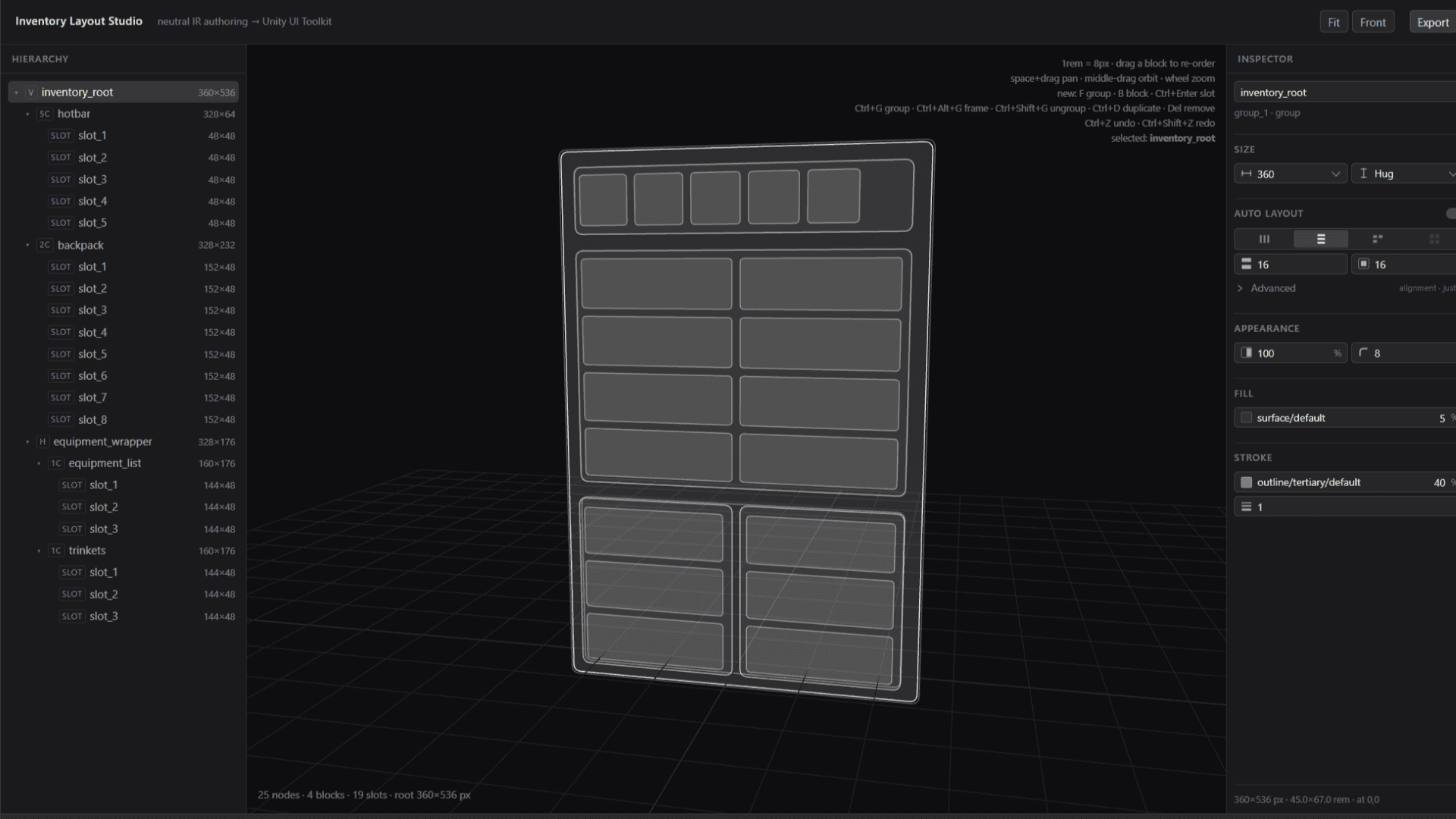
Inventory Layout Studio

A layout editor for game inventory UI that authors in a neutral intermediate format and exports to Unity UI Toolkit.

Created by

Daniel M.

Inventory Layout Studio

A layout editor for game inventory UI that authors in a neutral intermediate format and exports to Unity UI Toolkit.

Created by

Daniel M.

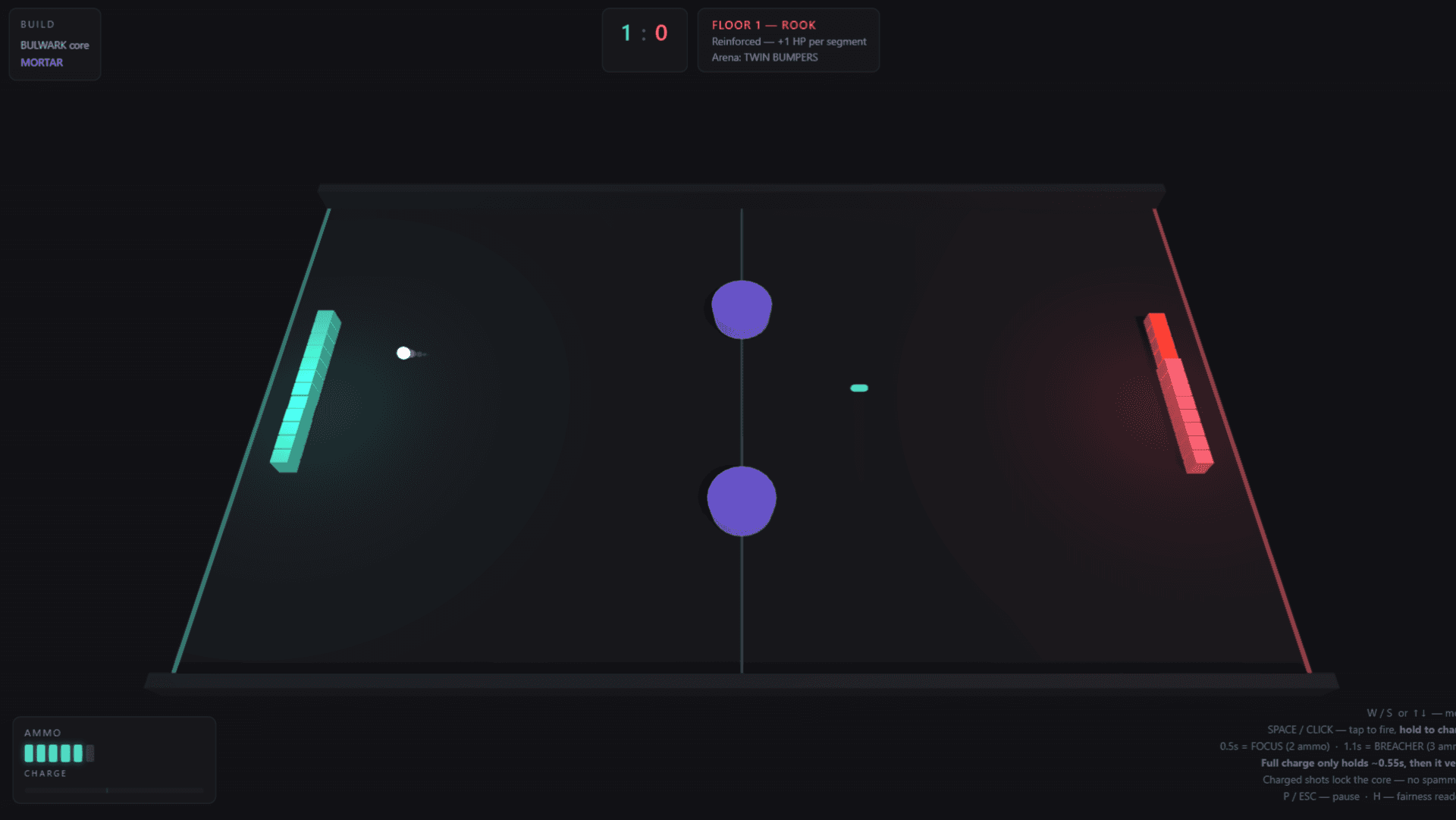
Breach Point

A roguelike duel game built on Pong, where both paddles are segmented walls that lose HP one block at a time. Tap to fire and hold to charge.

Created by

Anson H.

Breach Point

A roguelike duel game built on Pong, where both paddles are segmented walls that lose HP one block at a time. Tap to fire and hold to charge.

Created by

Anson H.

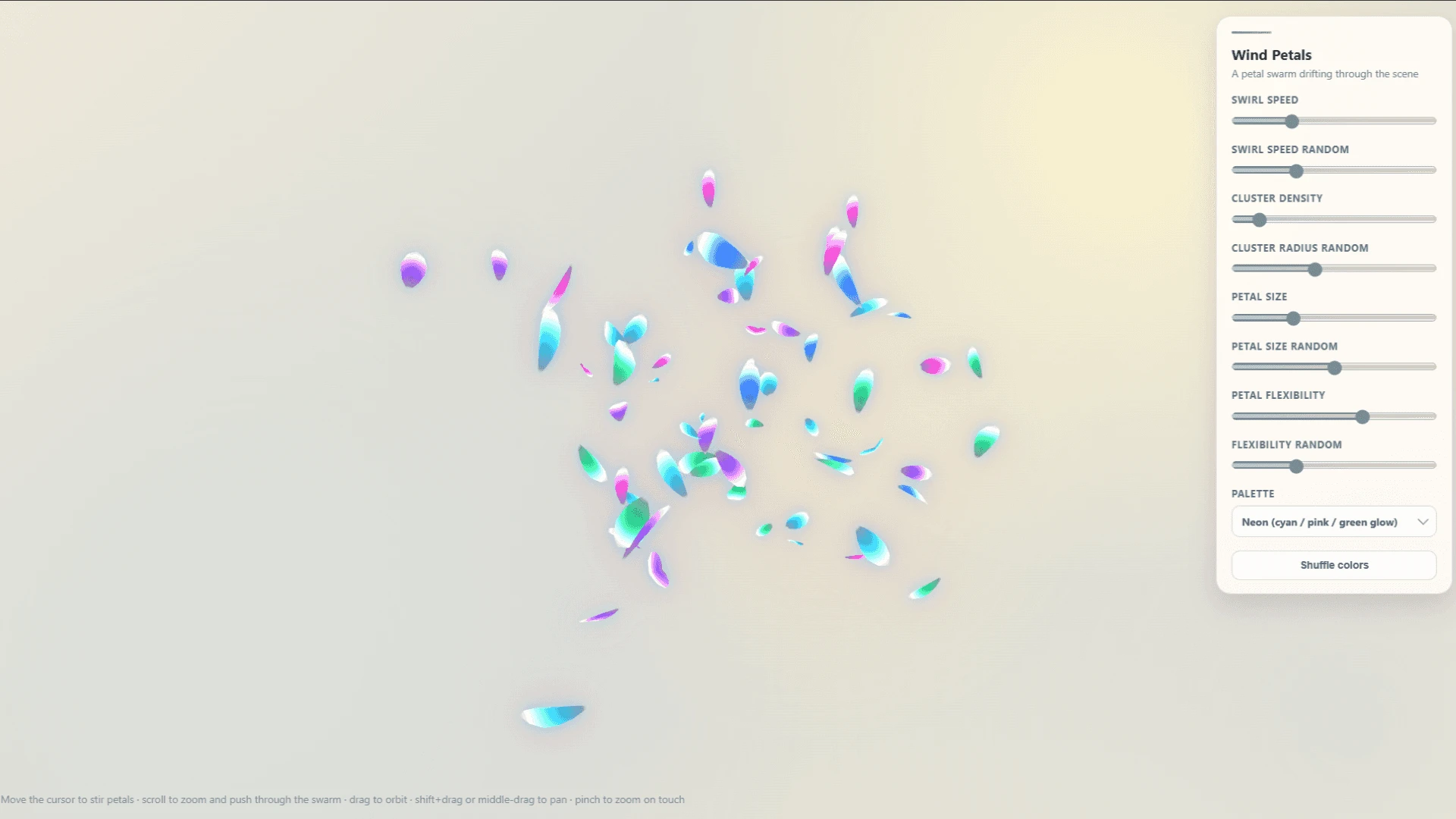
Wind Petals

Shader-based solution for particle-dense effects using geometry to prevent overdraw, with parameters for cluster radius, petal scale, swirl speed, and more.

Created by

Devon G.

Wind Petals

Shader-based solution for particle-dense effects using geometry to prevent overdraw, with parameters for cluster radius, petal scale, swirl speed, and more.

Created by

Devon G.

What exactly are Proofs?

Proofs are interactive tools and mini-applications built and housed in Bezi. Unlike chat, which flattens visual work into text you have to imagine your way through, Proofs give you dynamic surfaces to work with, and your output goes into your engine when you're ready.

FAQs

How do I import Proofs into Bezi?

In the Bezi sidebar, click the Add button next to Proofs, then click Import. You can either upload a .zip or paste in a link. Every Proof in this gallery comes with both.

How do I create a Proof?

Click the Add button next to Proofs in the sidebar, then Create with Thread. Describe what you want and Bezi makes it. Say what the tool needs to do, then keep refining until it's right.

How can I use this for my game engine workflow?

Work in the Proof until it does what you want, then tell Bezi to implement it in the engine. What crosses over depends on the Proof (i.e. a layout, a dialogue tree, or the data behind it).

For ideas, look at what you're already tediously working around, like the spreadsheets you keep outside the engine or the numbers you tune by entering Play Mode over and over. Then, create a Proof to use as a sandbox for quick testing and iteration before pushing into the engine.

Can I share Proofs with others?

At the top right of any Proof, click Share. From there you can export it as a .zip to send directly, or publish to web for a URL anyone can open.

Can I get one of mine in the gallery?

If you've made something useful, impressive, or straight up cool, share it with us in the Discord. We'll keep adding Proofs from the community as people make them.